
What to Do After a Data Breach: Step-by-Step Guide (2026)
You get the email. Or you see the headline. A company you trusted with your personal information just got hacked — and your data was part of it.
Your stomach drops. That's normal. But here's the thing: a data breach notification isn't a death sentence for your accounts. It's a signal. The damage from most breaches doesn't happen the day the hackers get in. It happens weeks or months later, when stolen credentials quietly get used for fraud, account takeovers, or identity theft.
That gap between the breach and the exploitation? That's your window. And if you act during it, you can shut most of the fallout down.
This guide walks you through exactly what to do after a data breach, in the order that matters most.
Step 1: Confirm the Breach Is Real
Before you change a single password, verify that the notification is legitimate. Scammers love data breach news — it gives them the perfect excuse to send fake "your account was compromised, click here to secure it" phishing emails.
Here's how to check:
- Don't click links in the notification email. Go directly to the company's official website by typing the URL yourself.
- Check the company's official press page or a reputable news source to confirm the breach actually happened.
- Look up your email on Have I Been Pwned to see if your address shows up in known breach databases. You can also use the Breach Checker tool on BetterPass to quickly verify if your credentials have been exposed.
If the notification checks out, move to step two.
Step 2: Figure Out What Was Exposed
Not all breaches are equal. A leaked email address is annoying. A leaked password, Social Security number, or credit card is a five-alarm fire. The company's notification should tell you what category of data was involved — read it carefully rather than skimming.
Common categories to watch for:
- Login credentials — usernames, passwords, security questions
- Financial data — card numbers, bank account details
- Government IDs — Social Security number, passport, driver's license
- Personal details — address, phone number, date of birth
- Health records — medical information, insurance details
Your next steps depend heavily on which of these apply to you. If payment information or government IDs were exposed, prioritize those sections below.
Step 3: Change Your Compromised Passwords Immediately
This is the step people either rush through carelessly or skip entirely — and it's the one that matters most. If your password was part of the breach, treat it as public information. Because for all practical purposes, it now is.
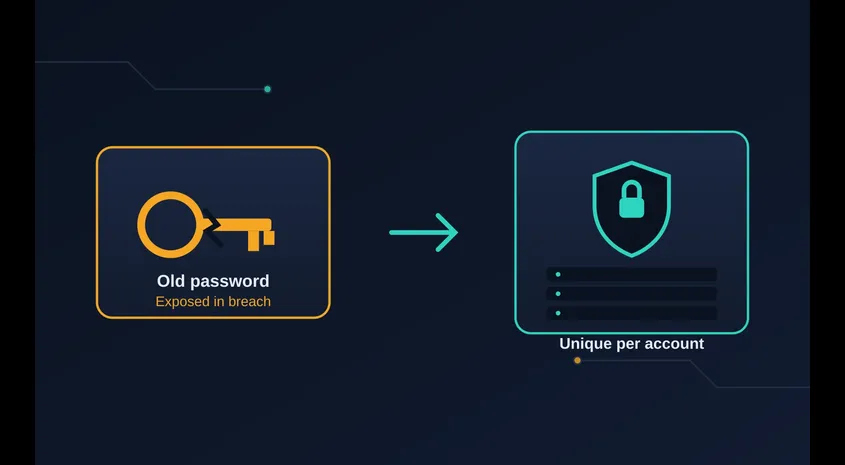
Here's how to do it right:
- Change the password on the breached account first using a long, unique passphrase — not a tweaked version of your old one. Our Passphrase Generator can create a secure one in seconds.
- Check every other account where you reused that same password. This is the step most people forget, and it's exactly what attackers count on. If you used "Sunshine2019!" on three different sites, all three are now at risk — not just the one that got breached.
- Use a password manager going forward so every account gets a truly unique, randomly generated password. Our Password Generator can create strong passwords that are virtually impossible to crack.
- Verify your new password is actually strong with the Password Strength Checker before moving on.
- Update security questions if they were exposed too — attackers can use "mother's maiden name" answers to reset passwords elsewhere.
A good rule of thumb: if you're not using a password manager yet, a breach is as good a reason as any to finally start. Reused passwords are the single biggest reason one data breach turns into a dozen compromised accounts.
Want to understand what makes a password truly strong? Read our guide on how strong a password should be in 2026, or learn why passphrases beat traditional passwords for most people.
Step 4: Turn On Two-Factor Authentication (2FA)
Even a perfect new password isn't foolproof — data gets breached again, phishing happens, keyloggers exist. Two-factor authentication is your backup plan. It means that even if someone has your password, they still can't get in without a second code, usually generated by an app or sent to your phone.
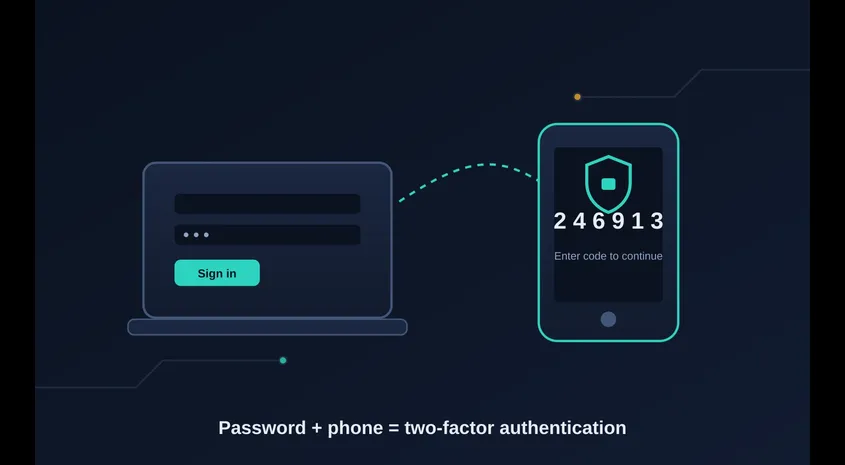
Prioritize turning this on for:
- Your email account — this is the master key to everything else
- Banking and financial apps — directly tied to your money
- Any account tied to payment methods — shopping sites, subscriptions
- Social media accounts — often used for password resets
Where possible, use an authenticator app (like Google Authenticator or Authy) rather than SMS codes. Text messages can be intercepted through SIM-swapping attacks, where attackers convince your carrier to transfer your phone number to their SIM card.
Step 5: Secure Your Email First
Your primary email is the master key to almost everything else. If it was involved in the breach or uses a compromised password, secure it before anything else:
- Change the password and turn on MFA
- Review recovery options (backup email, phone number) and remove anything you no longer control
- Check the "recent activity" or "devices" section for unfamiliar logins and sign them out
- Scan for any forwarding rules or app permissions you didn't authorize
If someone gains access to your email, they can often reset passwords for many of your other accounts. Think of it as the front door to your digital life — lock it first.
Step 6: Monitor Your Financial Accounts Closely
If payment information or banking details were part of the breach, don't wait for something to go wrong before you act.
- Review recent statements for charges you don't recognize, even small ones — fraudsters often test a card with a tiny purchase before making a bigger one
- Set up transaction alerts so you're notified in real time of any activity
- Consider requesting a new card number if your bank offers it, especially if full card details were exposed
- If your bank account or routing number was leaked, talk to your bank directly about additional monitoring or a new account number
Step 7: Freeze or Monitor Your Credit
If the breach included your Social Security number or other identity-level information, this step becomes essential — not optional.
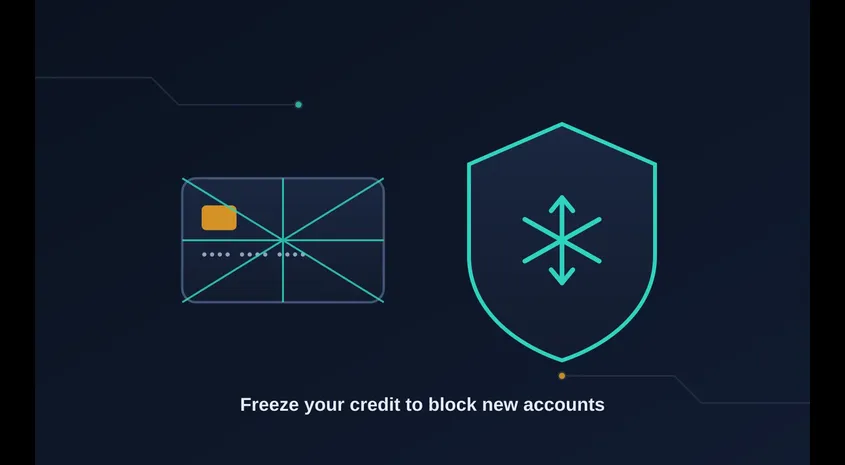
- A credit freeze is free and stops new accounts from being opened in your name without your explicit permission. You can freeze your credit with each of the three major bureaus (Equifax, Experian, TransUnion) and lift it temporarily whenever you actually need new credit.
- Credit monitoring services — sometimes offered free by the breached company for a year — will alert you to new inquiries or accounts, though they don't prevent fraud the way a freeze does.
- Check your credit reports for any unfamiliar accounts or hard inquiries you didn't authorize.
Many breach notifications include a free monitoring offer. It's worth signing up even if you also freeze your credit, since the two work differently.
Step 8: Be Extra Alert for Phishing Attempts
Here's something people underestimate: breached data often gets used to make phishing attacks more convincing, not less. If attackers know your name, email, and the fact that you use a certain service, they can craft messages that feel personal and urgent.
Watch for:
- Emails referencing the breach itself, pretending to help you "secure your account"
- Messages that create urgency ("your account will be locked in 24 hours")
- Requests to verify personal information via a link rather than logging in directly
- Text messages or phone calls claiming to be from the breached company
When in doubt, go to the company's site directly rather than clicking anything in an email or text. Never enter your credentials through a link you received unexpectedly.
Step 9: Report Identity Theft If It Happens
If you do discover fraudulent activity — a new account, an unfamiliar loan, a stranger's medical bill in your name — act fast:
- File a report at IdentityTheft.gov, which creates a personalized recovery plan
- File a police report if the fraud is significant, since some banks and creditors require one
- Dispute fraudulent charges or accounts directly with the relevant bank, credit bureau, or company
The earlier you report it, the easier it typically is to reverse.
Step 10: Clean Up Your Digital Habits Going Forward
A breach is a good, if unwelcome, prompt to tighten things up long-term:
- Stop reusing passwords, permanently. A password manager makes this painless. Learn why passphrases beat traditional passwords for everyday use.
- Enable 2FA everywhere it's offered, not just for the account that was breached.
- Periodically check Have I Been Pwned or use our Breach Checker to see if your email shows up in new breaches.
- Be more selective about which sites and apps you hand your personal data to in the first place.
- Keep your software updated — attackers frequently exploit outdated operating systems and browsers.
For a deeper dive into building strong password habits, read our guide on how strong a password should be in 2026.
The Bottom Line
A data breach response doesn't have to mean panic — it means a clear checklist, worked through in order: confirm it's real, figure out what leaked, fix your compromised passwords, lock down your accounts with 2FA, watch your money, freeze your credit if needed, and stay alert for follow-on scams.
Most people who get hurt by a breach aren't hurt by the breach itself. They're hurt by what happens in the weeks after, when reused passwords and unwatched accounts give attackers a second bite. Handle those weeks well, and a scary email turns into a non-event.
Frequently Asked Questions
How do I know if my data was actually exposed in a breach?
Use a breach-checking service like Have I Been Pwned or the BetterPass Breach Checker. Enter your email address and it will tell you if your credentials have appeared in any known data breaches. You can also check the breached company's official website for a dedicated breach notification page.
Should I change all my passwords after a breach?
Change the password on the breached account immediately, plus any other account where you used the same or a similar password. If you're not sure where you reused a password, err on the side of caution and update your most important accounts first: email, banking, cloud storage, and social media.
Is a password manager really necessary?
Yes. A password manager lets you generate and store a unique, strong password for every account without having to remember them. Without one, most people reuse passwords — which is exactly why one breach can cascade into multiple compromised accounts. Our Password Generator and Passphrase Generator can help you get started.
What's the difference between a credit freeze and credit monitoring?
A credit freeze prevents new accounts from being opened in your name entirely — it's the stronger protection. Credit monitoring alerts you when something changes on your credit report, like a new inquiry or account, but doesn't prevent fraud from happening. For maximum protection after a breach involving your Social Security number, do both.
How long should I monitor my accounts after a breach?
At least 12 months, though stolen data can be used for years. Set up transaction alerts on your financial accounts, check your credit reports quarterly, and periodically run your email through a breach checker. The first 90 days after a breach are the highest-risk period.
Can stolen passwords be cracked even if they're hashed?
It depends on the hashing algorithm and password strength. Weak passwords can be cracked quickly even with strong hashing. Strong, long passwords (16+ characters) are extremely difficult to crack regardless of the algorithm. This is why choosing a strong replacement password matters so much — use our Password Strength Checker to verify yours is up to the task.
Related Content
- How Strong Should a Password Be in 2026? — A complete guide to creating secure passwords that stand up to modern cracking techniques.
- Passwords vs Passphrases: The Complete 2026 Security Guide — Which actually keeps your accounts safe, and why security experts are shifting their recommendations.